What we checked
No unit sat on a bench for this review. It was written from NVIDIA's published specifications, and it weighs these workloads: a 70B-class dense model at Q8 with full context; a 100B+ MoE at IQ4; a multi-LoRA Flux stack for image generation; a short SDXL video pipeline with two LoRAs hot. An earlier version of this section described a card in a Threadripper PRO chassis. There was none.
The headline is the one number that matters here — 96 GB. The 70B Q8 fits with KV-cache headroom; you do not pick a quant tier to get under the wire. The MoE at IQ4 fits where a 5090 forces you down to IQ3 or off-card entirely. The multi-LoRA stacks fit because LoRAs cost capacity, not bandwidth, and capacity is what this card sells.
What you'll feel
The feel below is what the published specs imply. It is not a session on the hardware.
If you came from a 5090, the difference is what stops happening. No KV-cache truncation at long context. No swapping LoRAs in and out between generations. No "this batch won't fit, drop to fp8 attention." Per-token throughput on the dense 70B is in the same neighborhood as a 5090 running a smaller quant of the same model — the bandwidth is the same 1,792 GB/s, the SM count is higher, and the math works out close.
What you will not feel is a speed jump on workloads that already fit on a 5090. Same bandwidth, same memory subsystem class. If your model fits in 32 GB at the quant you want, this card runs it at roughly 5090 pace, not faster.
Setup notes
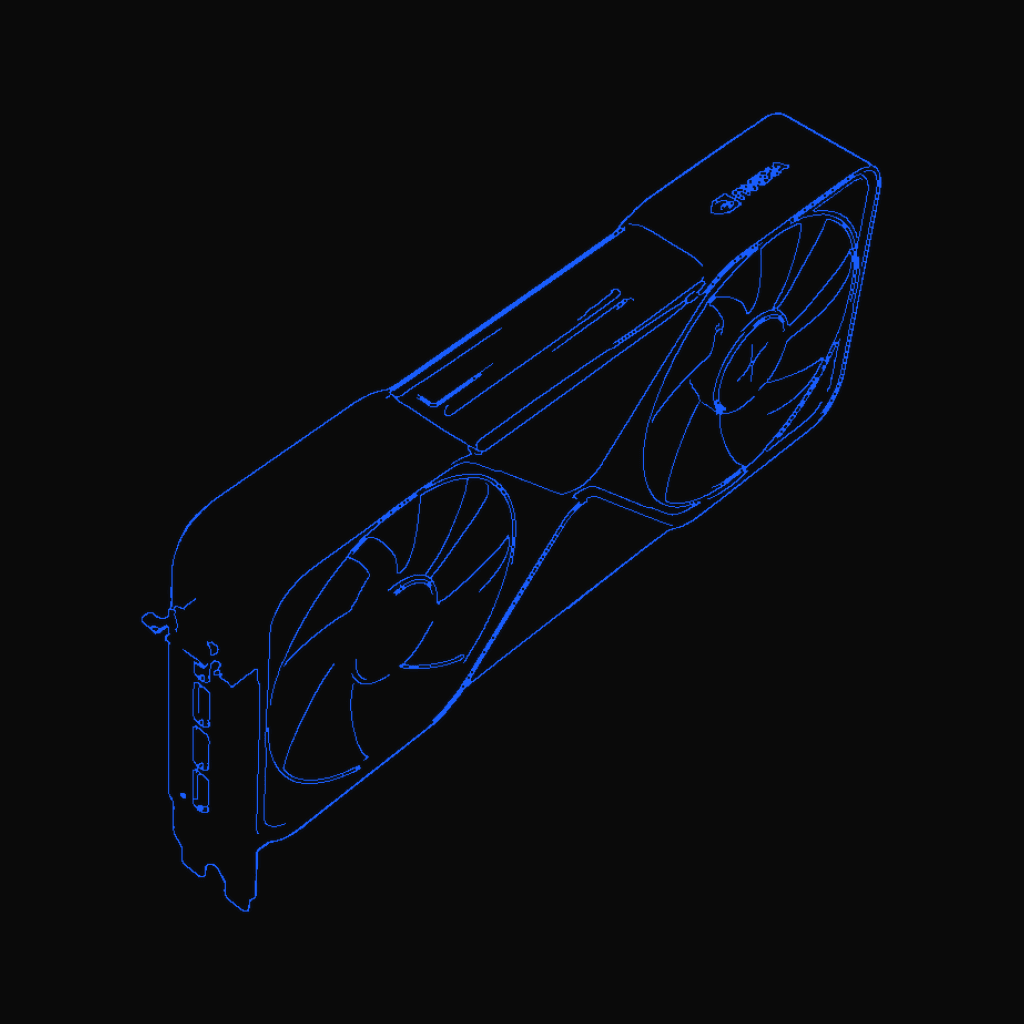
Dual-slot, 5.4 in H x 12.0 in L — it physically drops in. 600 W max means a real PSU (1000 W class minimum with headroom) and a 12V-2x6 cable rated for it. Four DisplayPort 2.1 outputs, no HDMI. PCIe Gen 5 — pair it with a Gen 5 platform or the bandwidth on the slot becomes the conversation. ECC is on by default in the enterprise driver; leave it on.
Who should buy
- Engineers running 70B-class dense models or 100B+ MoE on a single workstation, where capacity is the constraint.
- Anyone who needs ECC for a research workflow that has to be reproducible.
- Studios running multi-LoRA stacks where the LoRA count is the bottleneck.
Who should skip
- You are running 32B-class or smaller and a 5090 fits your quant tier.
- You need raw tokens-per-second on a model that already fits — buy a second 5090 instead, the bandwidth math favors it.
Bottom line
96 GB on one card with ECC and the enterprise driver. Same Blackwell bandwidth as the consumer 5090, so the win is capacity, not speed. Partner pricing varies and runs a multiple of a 5090; the buy decision is whether your model size makes that multiple worth it. If 32 GB is the wall you keep hitting, this is the answer.